Your client's link should look as finished as their site.
Paste a URL and get a preview image, a 6-second video and a GIF, built from the page itself. Check how the link looks in nine apps, then add a few tags once.
- 01Paste a URLAny page you're about to launch or share.
- 02Check the previewSee how it lands in nine apps, with video where it plays.
- 03Add the tagsA few lines in the page head, once. Re-render whenever you like, the URLs never change.
Have you seen this?
A link to adlupe.com in iMessage, video by OGmotion
Weeks of work. Then the link shows up as a gray box.
Without a preview image, WhatsApp, LinkedIn and Slack show a bare title and domain or an empty gray square. The site looks unfinished, and it's usually the client who notices first.
- Common causeThe image is missing from the tags, too small or doesn't load.
- Hard to shakeEven after the fix, LinkedIn keeps showing the old preview until you refresh it in the Post Inspector.
Could you take a quick look at the new site?
Paste a URL. Get a finished preview.
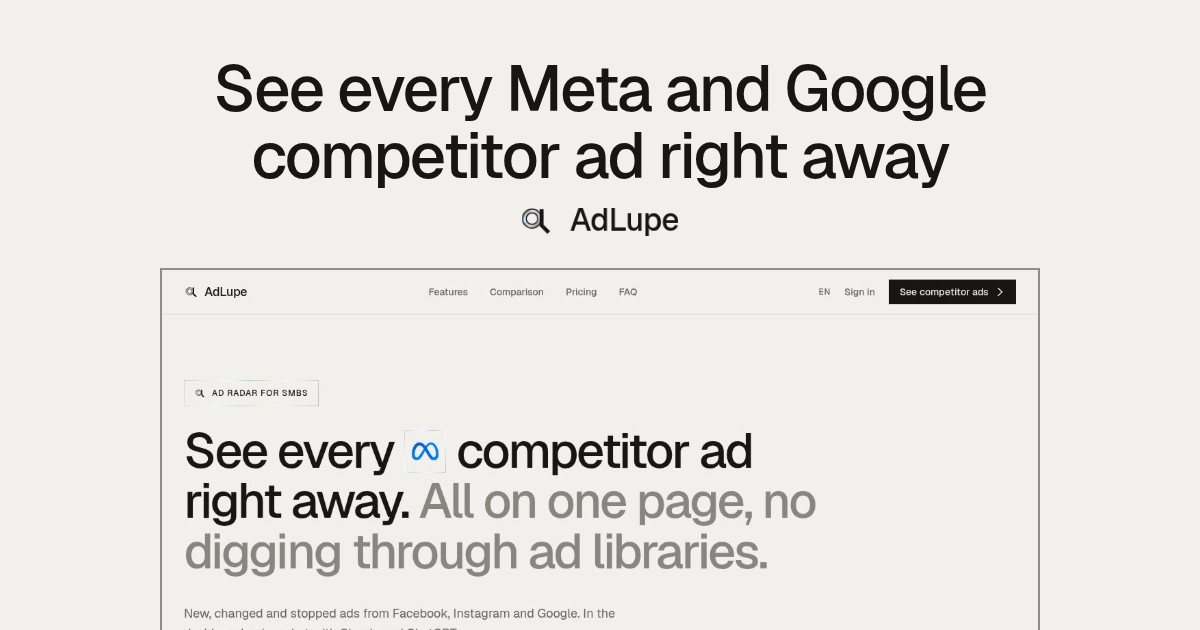
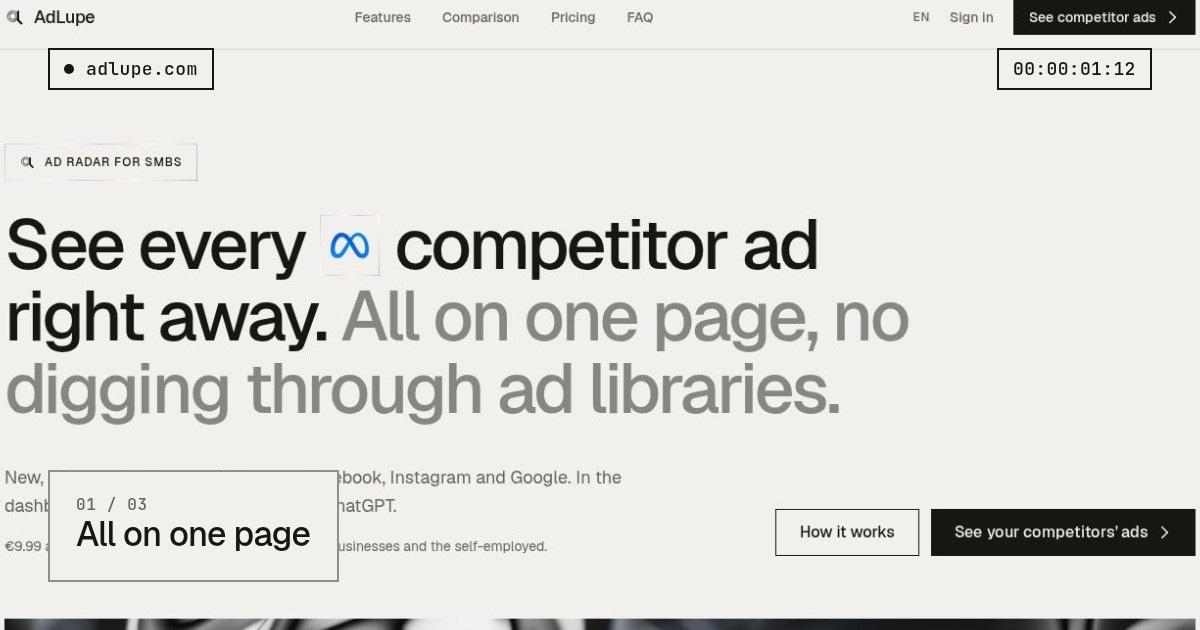
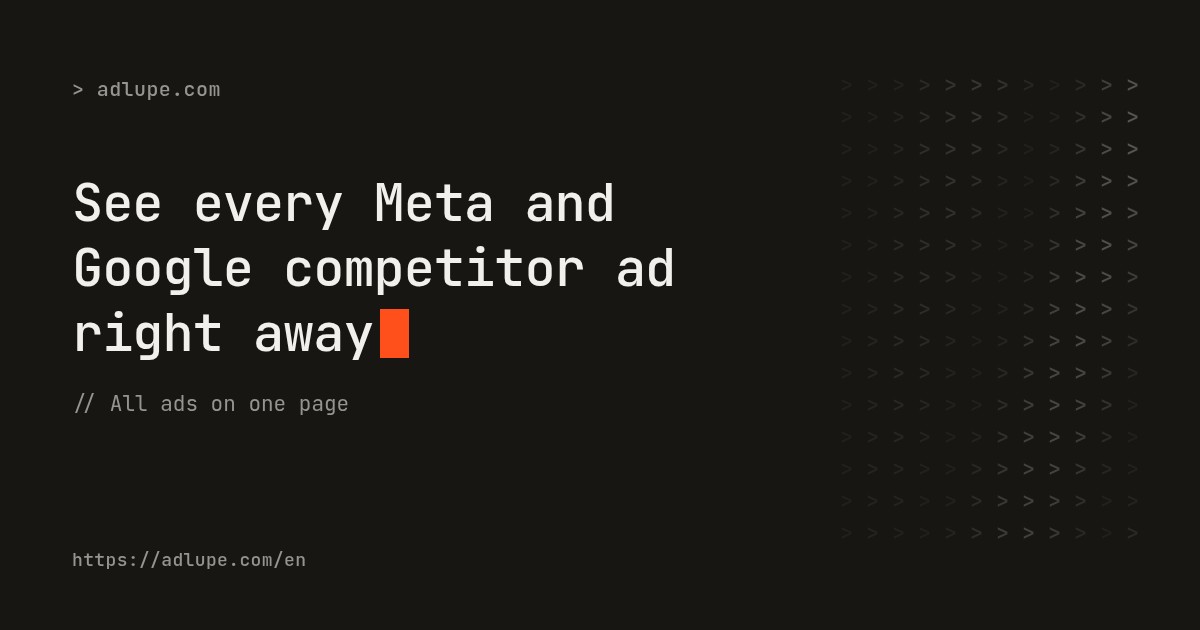
Here's what happens when you enter adlupe.com, from URL to finished files.
See it before your client does.
Every app shows link previews differently. OGmotion recreates the preview in nine apps and shows where the video plays and where the still appears, so you catch problems before the link goes out.
Plays the video (tested)
iMessage, Discord and Telegram play the video. The rest get a sharp still.
We tested it: the video plays right in the chat in iMessage, Discord and Telegram. LinkedIn, WhatsApp, X and Facebook show the still. Both come from the same render, and you add them to your page once. For a moving post on LinkedIn, upload the MP4 directly.
 LinkedInStill
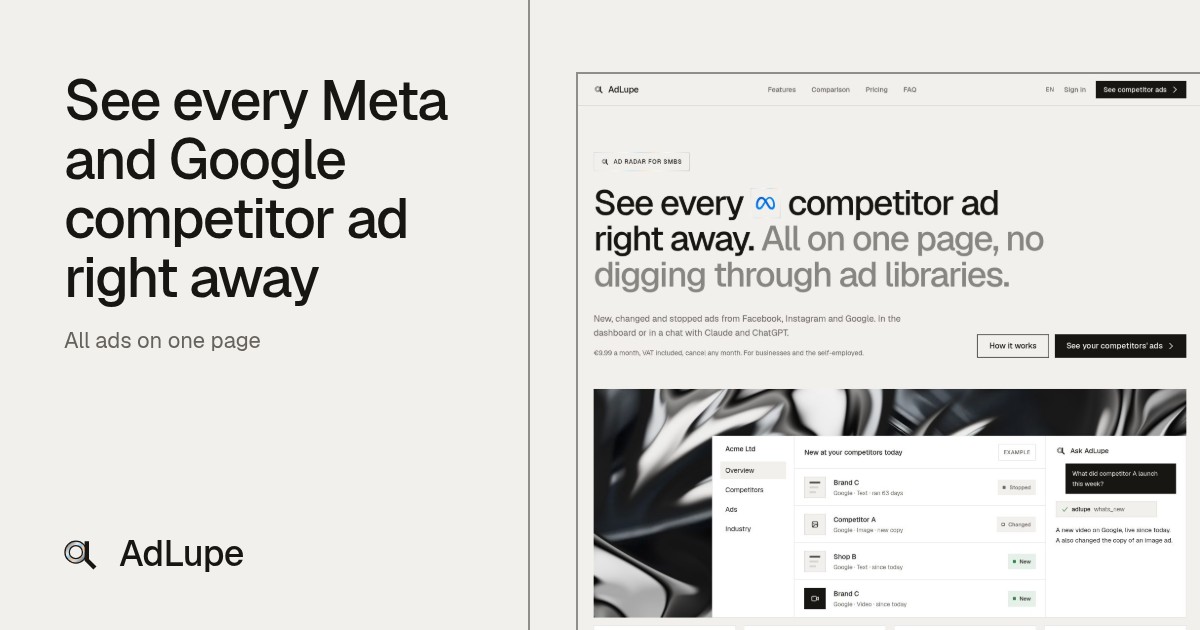
AdLupe · See your competitors' ads right away
adlupe.com
 WhatsAppStill
AdLupe · See your competitors' ads right away
adlupe.com
 iMessageVideo
AdLupe · See your competitors' ads right away
adlupe.com
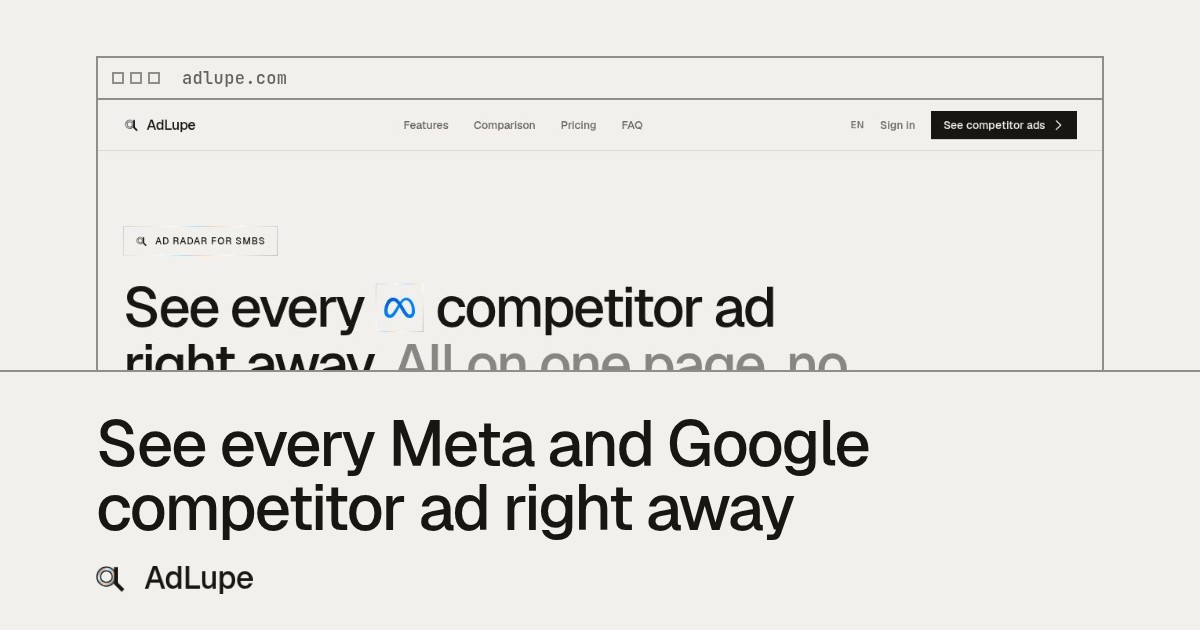
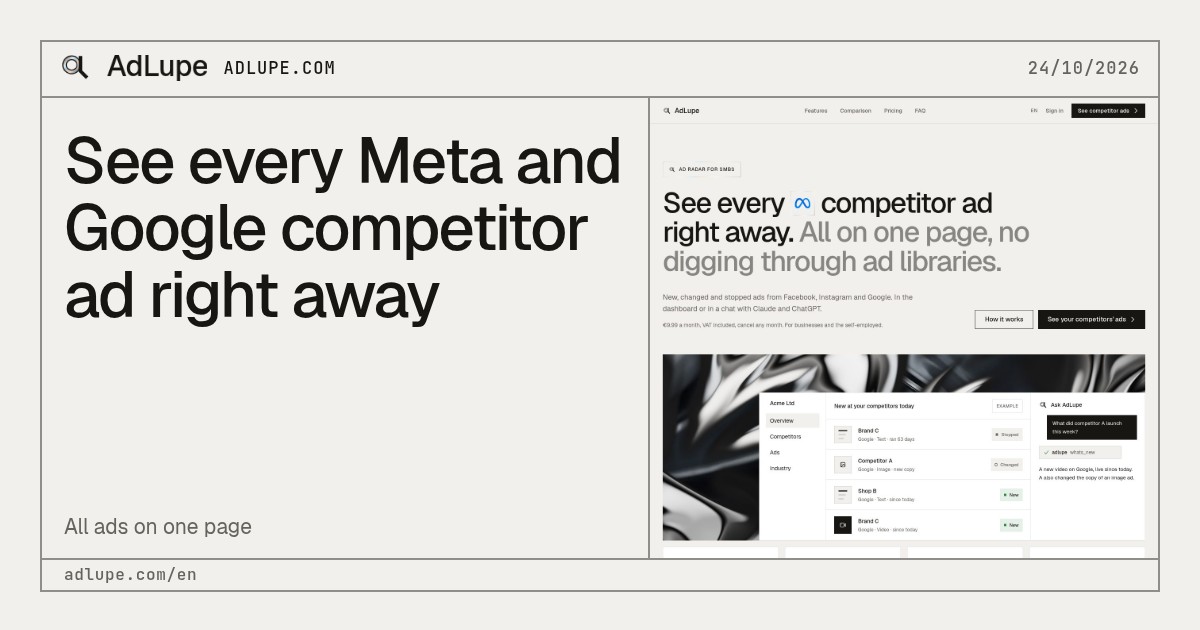
Seven templates, all built from your page.
Every template uses the words on your page, and five also show parts of it. Shown here on adlupe.com. Prefer another one? Switch and re-render.
The details that save you a round of feedback.
In your client's brand
OGmotion reads the logo, fonts and colors from the page, so the preview looks like it came from the site itself. No watermark, on any plan.
A headline from the page itself
The AI writes the line in the preview using only the page's title, description and headings. You can rewrite it any time.
Re-render in one click
Changed the page? Render again. Your tags keep pointing to the same URLs, so there's nothing to update on the site.
People stay in frame
If the page shows people, OGmotion detects them and places the crops around them.
Questions before you start
No. In our tests, iMessage, Discord and Telegram played it right in the chat. LinkedIn, WhatsApp, X and Facebook showed only the still, and Slack and Bluesky are reported to do the same. OGmotion delivers that still along with the video.
Yes, as a regular upload. In a link preview, LinkedIn, X, WhatsApp and Facebook show only the still, so download the MP4 from the dashboard and post it as a video.
Once. You paste a few meta tags into the page head; in Webflow and Framer that's in the page settings under custom code. The URLs in them stay the same when you re-render.
You re-render with one click and the tags point to the new files. Apps that already cached the link often show the old preview for a while, until they fetch the page again.
It only gets text from the page (title, description, headings) and is told not to add anything. Still, check the headline before you publish. You can always write your own.
In most cases. OGmotion reads the headline and body fonts, colors and logo from the page. Fonts from services that check where they're loaded, such as Adobe Fonts, can be missing; the preview then uses Inter. Pages without a clear brand get the OGmotion look.
No, not on any plan. The preview shows the page and its brand, never OGmotion.
Your email address for logging in, the URLs of your pages, screenshots, the text written from them and the finished files. Videos and still images are public at their fixed URL, otherwise apps couldn't load them.